More than a single number
Keep dated weight entries and, if you choose, waist measurements. Use your preferred units and add details such as whether you used the same scales.
Weight & weight loss
Log weight and waist measurements, with or without medication. Look back at changes over time alongside your notes and everyday health records, at your own pace.
Explore this chapterIn development for iPhone and Android · Ages 18+
myHealthPal is not a doctor or physician, and does not offer medical advice.
Read medical disclaimer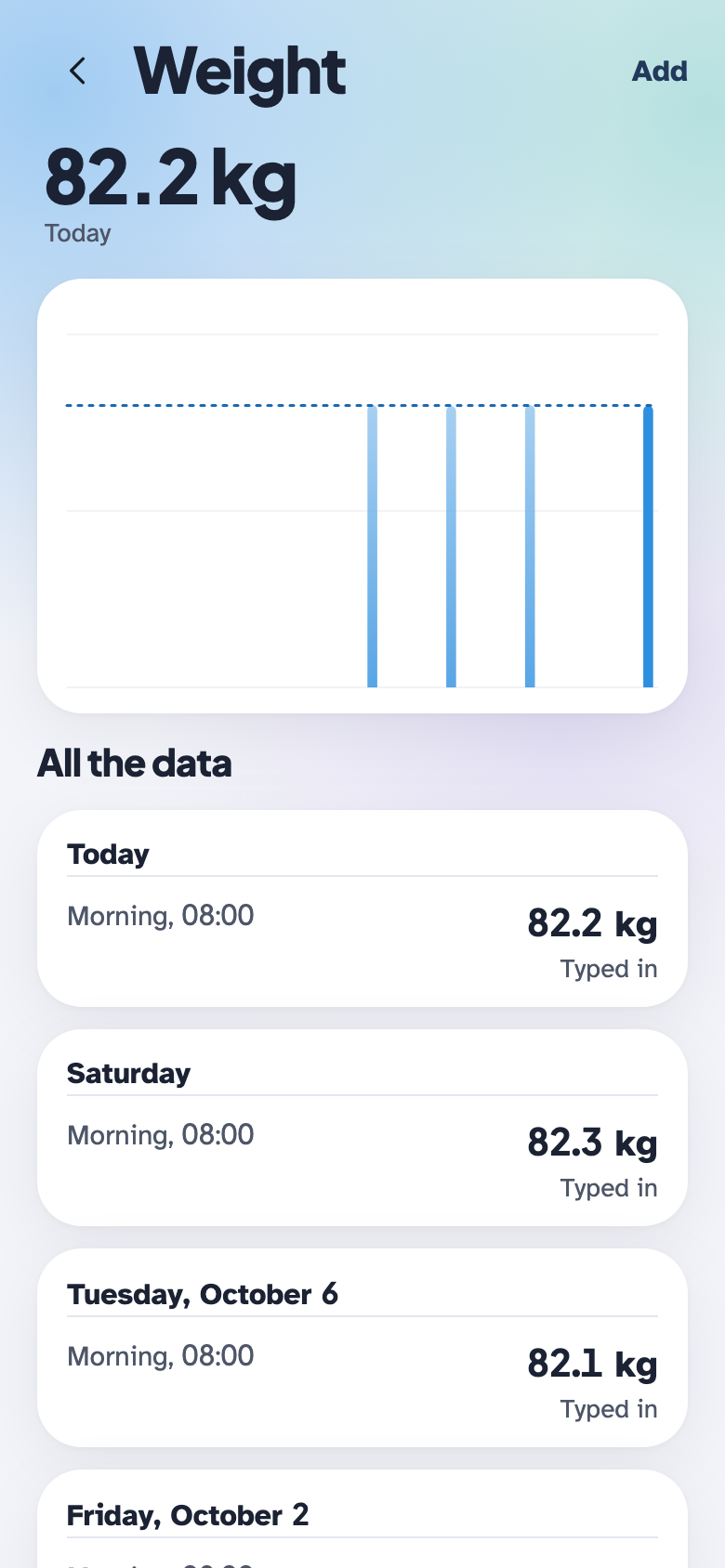
Weight & weight loss
Keep dated weight entries and, if you choose, waist measurements. Use your preferred units and add details such as whether you used the same scales.
View weight entries over time alongside daily notes and health records. Small fluctuations remain part of your history; the app does not set a target weight or promise weight loss.
Track weight on its own or alongside medicines prescribed for you. Where applicable, compare your recorded weight with logged dose changes, without receiving dose recommendations.
Log a measurement. Keep the context.
The animation could not load. You can still explore the screen previews.
A few examples of recording in the app. The screens use illustrative data, not a real account.
Add your weight, choose your units and record when you measured it. Open Add details for an optional waist measurement, then save to see the entry in your history.
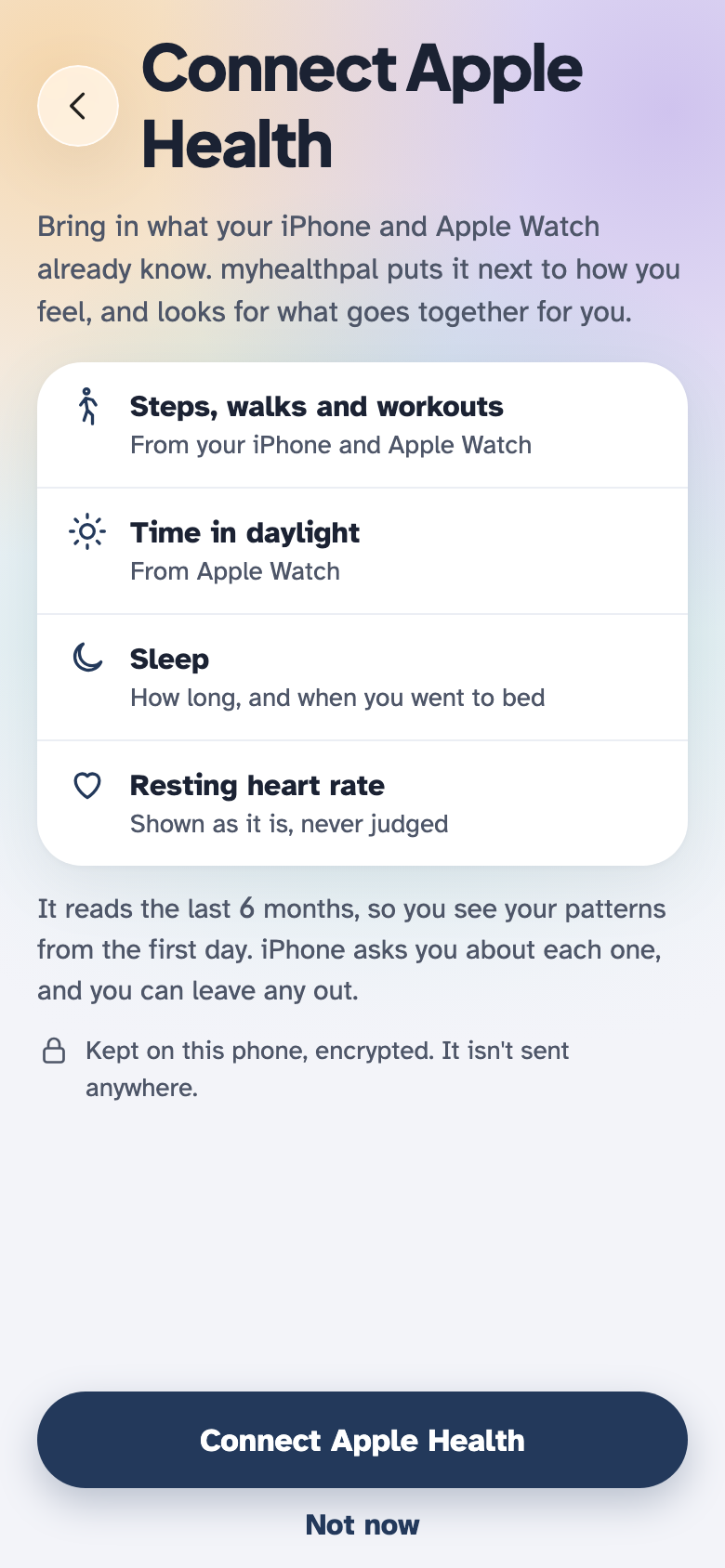
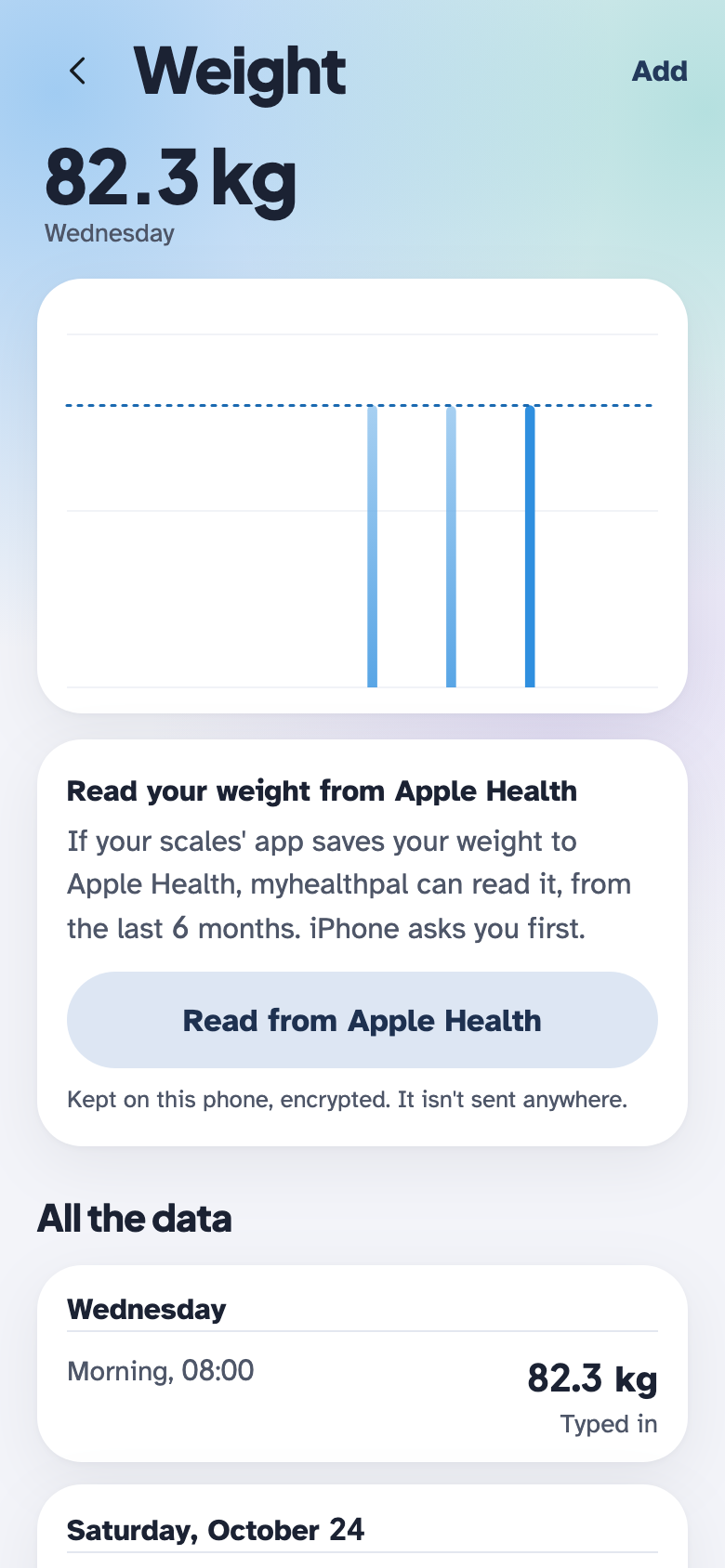
See the iPhone connection flow: review the data types, connect Apple Health and see which records are being read. On Android, supported records come through Health Connect. You control access in your phone’s health settings.
Use Apple Health on iPhone or Health Connect on Android to bring supported weight, activity and sleep records alongside the measurements you log yourself.
On iPhone, connect with Apple Health for supported records from your phone, watch and other apps.
On Android, use Health Connect to bring together supported records from connected health and fitness apps.
Already use Google Fit, an Oura ring or an Ultrahuman ring? Compatible records can reach myHealthPal through your phone’s health service: Google Fit through Health Connect, Oura through Apple Health or Health Connect, and Ultrahuman through Apple Health. Other compatible apps and devices can contribute records too, when their apps share them.
Choose what each app may share and what myHealthPal may read. Available records depend on your device, source app and permissions. A connection does not include every metric or a ring’s proprietary scores.
Health records are kept encrypted on your devices. The app asks for your agreement before it keeps your health information.
Choose the people and the information. Sharing is a deliberate choice, with controls to withdraw access.
Read about privacy & data handlingSome additional features will require a subscription. The full feature comparison, prices and any AI credit requirements will be confirmed before launch.
The app is not yet available to download or purchase. No subscriptions or AI credits are sold on this website.
See plans and availabilityFor recording and sharing information. Follow your prescriber’s treatment plan; myHealthPal does not recommend medicines, doses or dose changes.
Read medical disclaimer